


Popular Puzzle Games


Wortendo
Wortendo is a captivating word puzzle designed for anyone who loves testing their vocabulary and mental agility. Based on the classic honeycomb word search format, this game challenges you to find as many words as possible using a set of seven letters. Whether you are a casual player or a dedicated logophile, the Wortendo Spelling Bee offers a fresh, brain-teasing experience every single day
How to Play the Spelling Bee Game Wortendo
The rules of the Spelling Bee Game Wortendo are simple but require sharp thinking. Each day, you are presented with seven letters arranged in a hive. One letter is placed in the center and is highlighted - this is your "must-use" letter.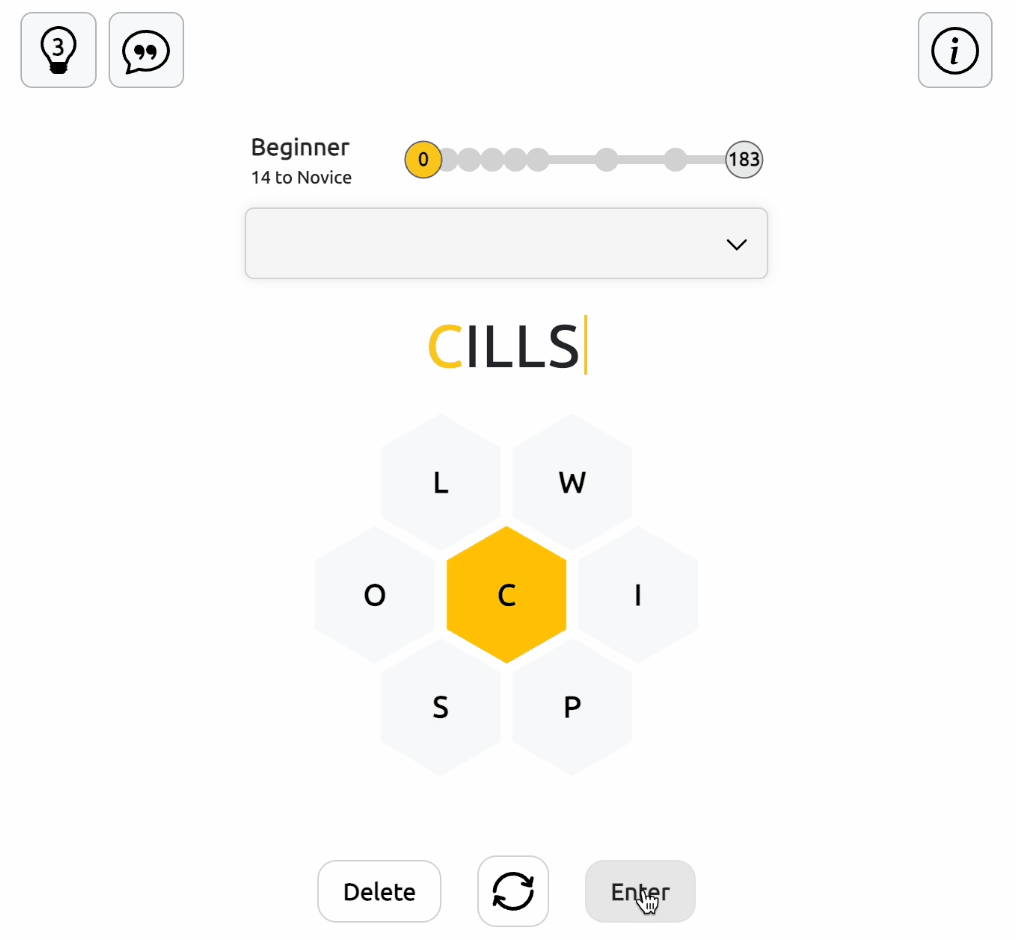
To score points in the Wortendo game, follow these guidelines:
-
The Center Letter: Every word you submit must include the middle letter.
-
Word Length: Words must be at least four letters long.
-
Reuse Letters: You can use the available letters as many times as you want in a single word.
-
The Pangram: Every puzzle contains at least one "pangram" - a word that uses all seven unique letters. Finding it gives you a massive point boost!
Wortendo Game Controls
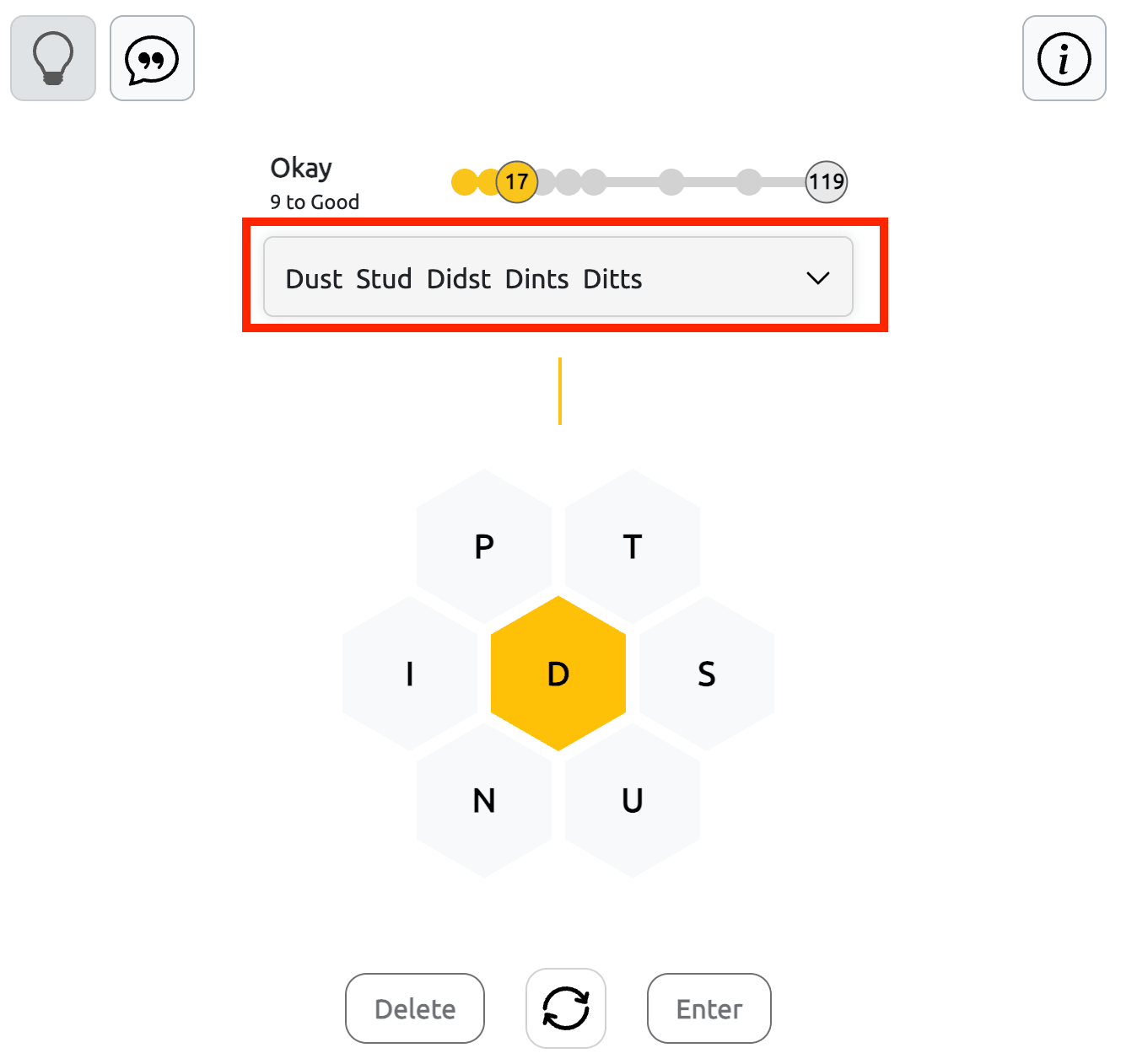
Three buttons below the letter grid help you enter words, rearrange letters, and correct mistakes.
Delete: Remove letters you've entered if you make a mistake or want to try another word.
Shuffle: Change the positions of the outer letters while keeping the center letter in place. A different arrangement may help you recognize new word combinations.
Enter: Once you've formed a word, click this button to submit it and check whether the game accepts your answer.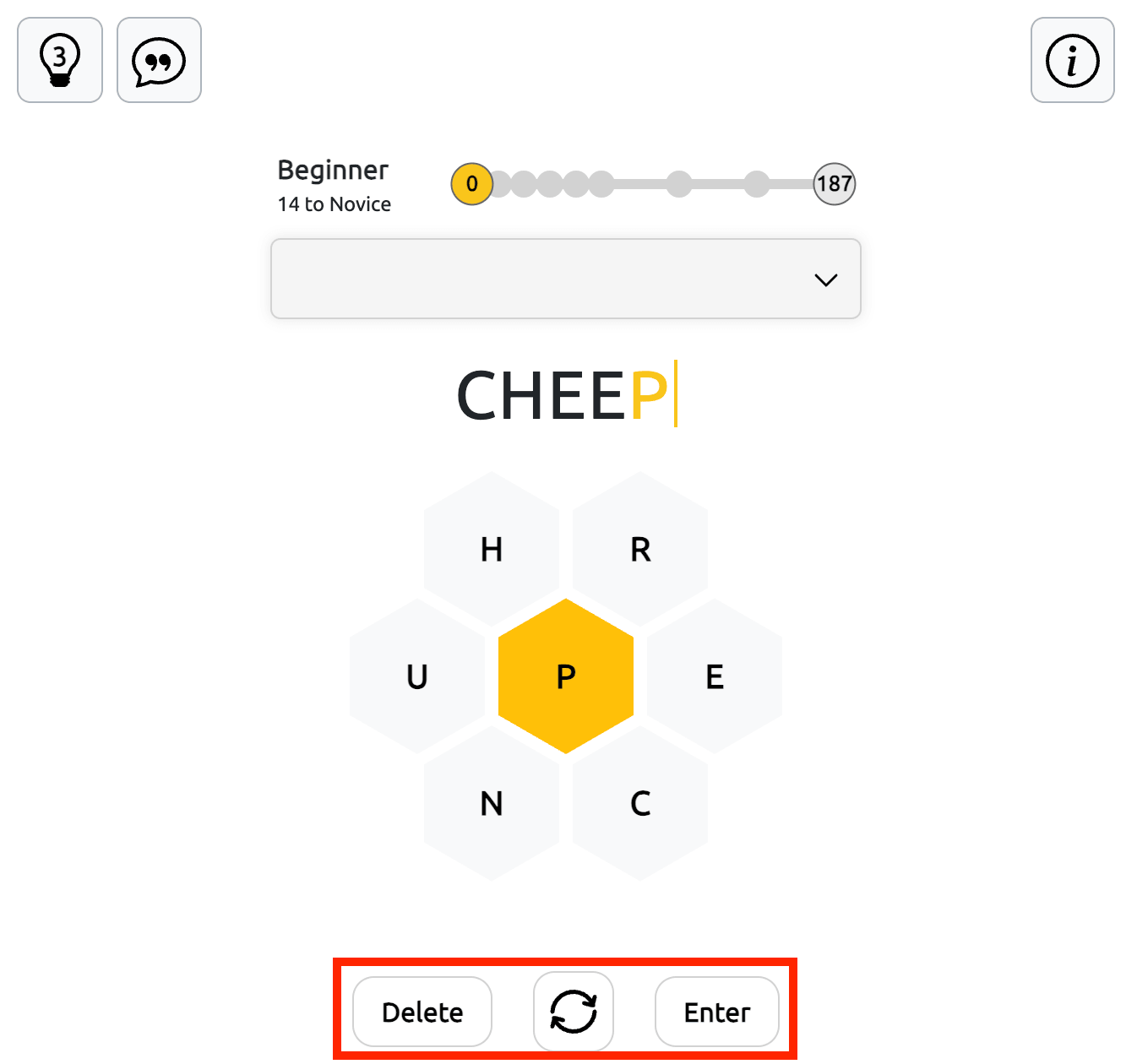
How to Get Hints in Wortendo
Wortendo provides two types of hints to help you discover words when you're unsure what to try next.
Word Hints
Each puzzle includes 3 word hints. Press the Hint button to see the letters of a possible answer highlighted in green, one by one. The sequence shows which letters to select and the order in which they form the word.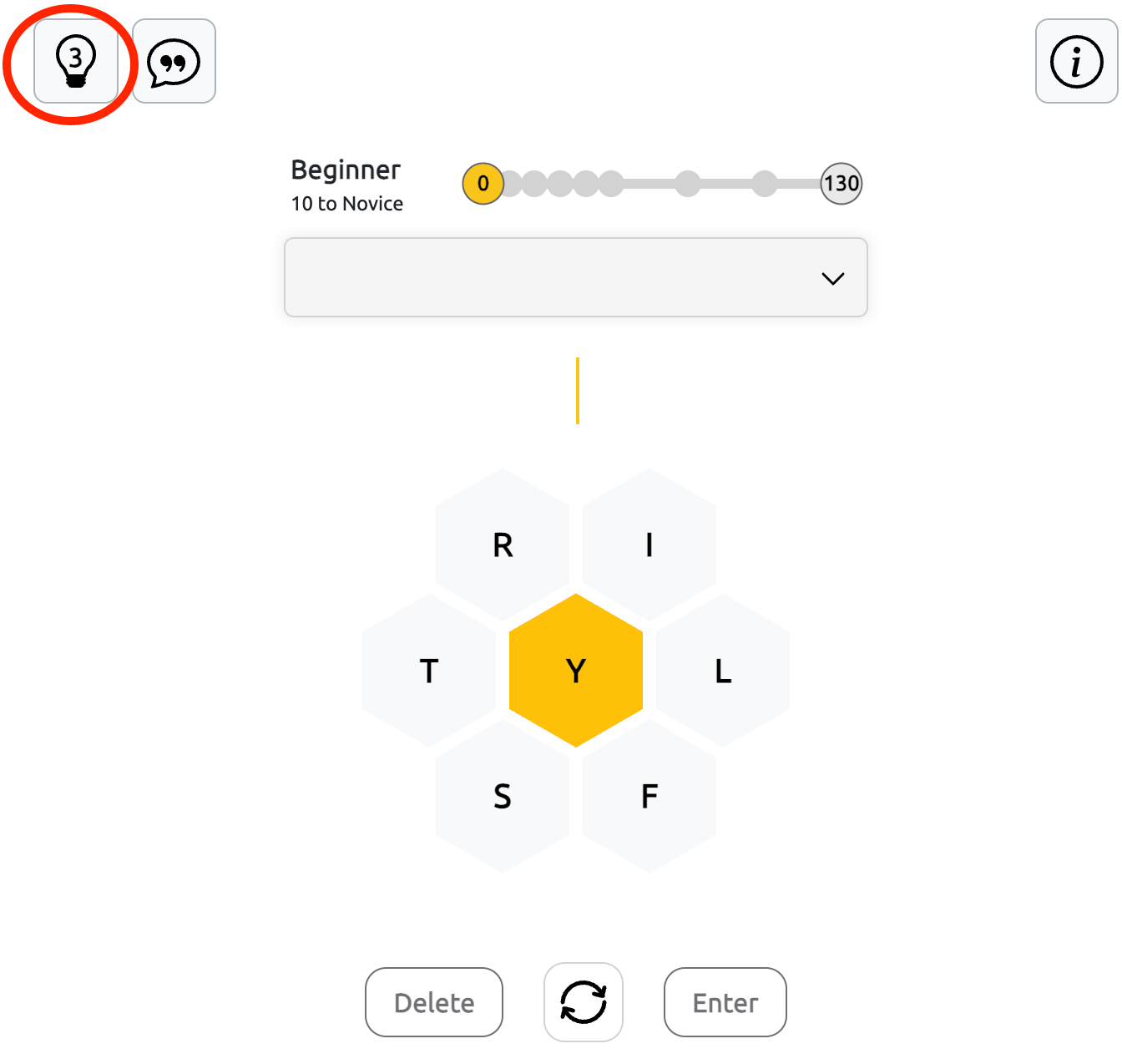
The suggested answer isn't added to your word list automatically. Follow the highlighted sequence, enter the word yourself, and press Enter to confirm it.
Statistical Hints
You'll find the Statistical Hint button, represented by a speech bubble, in the upper-left corner of the Wortendo game field. It opens a panel containing information about the words hidden in the current puzzle.
The panel shows the total number of possible answers, the highest available score, and a table grouping words by their first letter and length, including 4-, 5-, 6-, and 7-letter words.
You can also view the first two letters of possible words. These partial clues help you recognize common word beginnings without revealing complete solutions.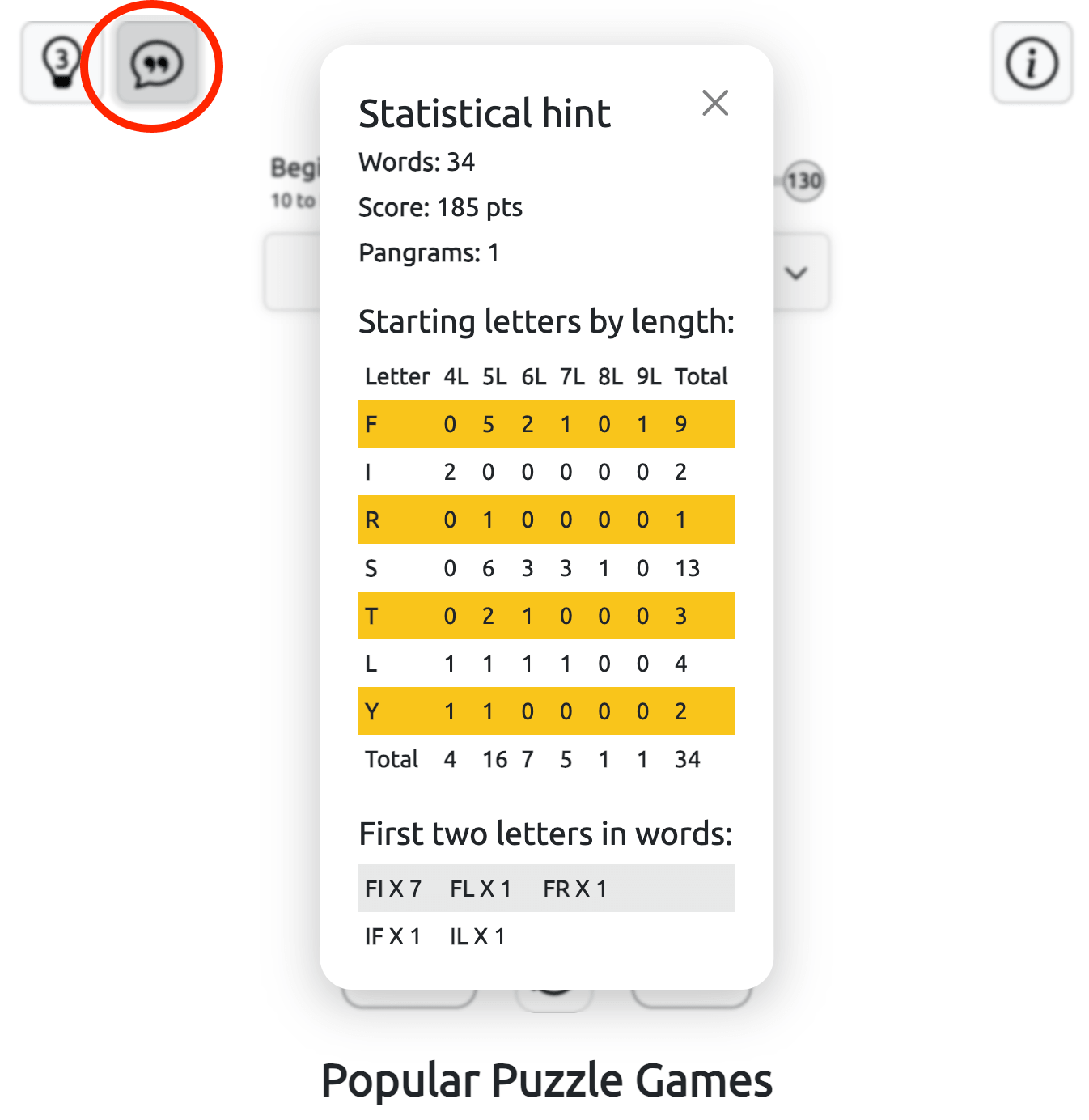
How Scoring Works in Wortendo
You earn points for every accepted word, with longer answers offering higher scores. To improve your result, look for ways to extend shorter words using the available letters.
The challenge is to discover as many valid combinations as possible and work toward the maximum score for the puzzle.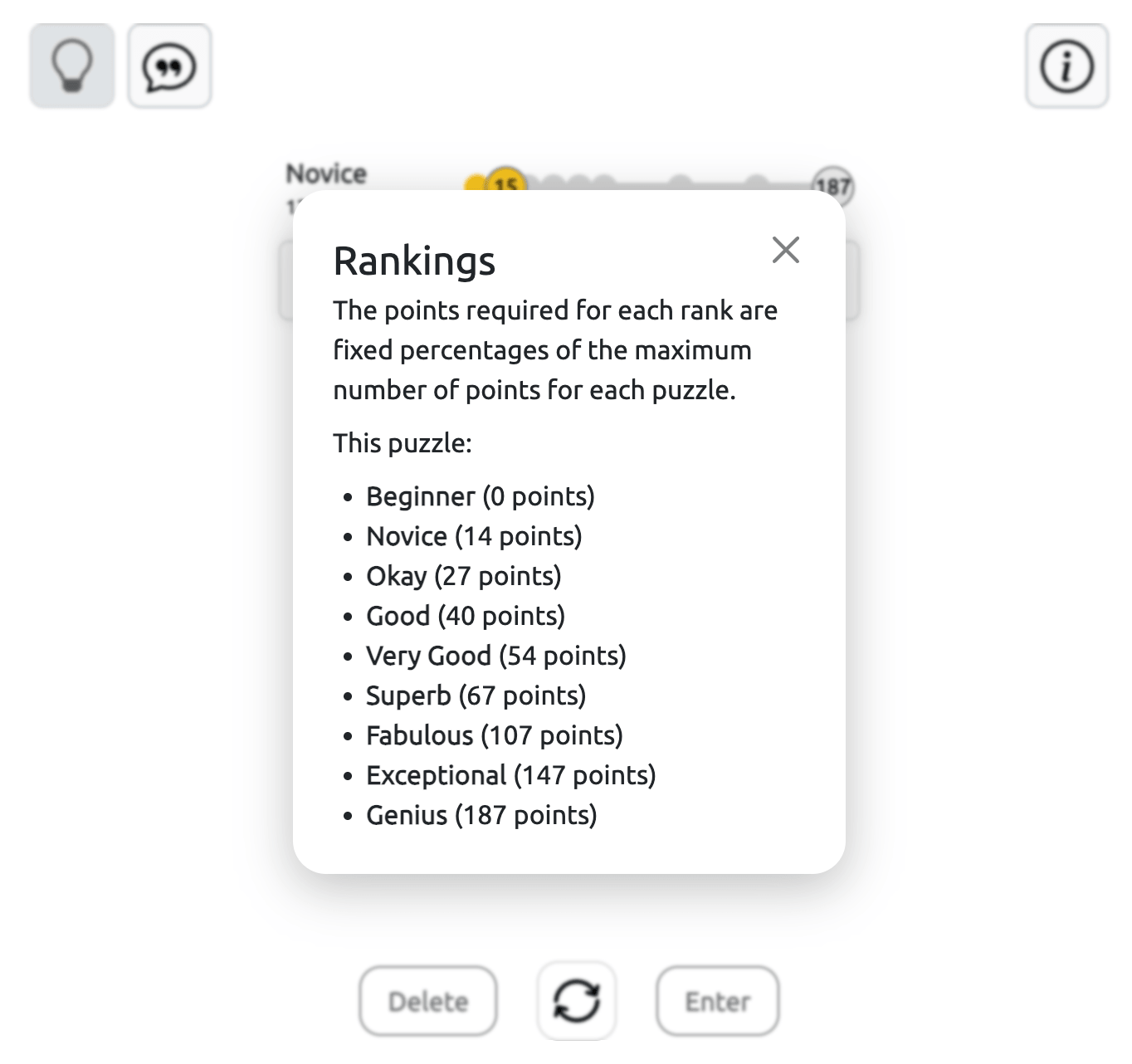
What Is a Pangram in Wortendo?
A pangram is a valid word that contains all seven puzzle letters at least once. Since letters can be repeated, a pangram may be longer than seven characters.
Finding one adds an extra challenge to the game and encourages you to explore less obvious letter combinations.
Tips for Finding More Words in Wortendo
Start with the required center letter and look for common English letter combinations such as TH, SH, CH, and ST, whenever those letters are available.
Experiment with prefixes and suffixes like RE-, UN-, -ED, -ER, and -ING to discover additional words. Remember that repeated vowels and double consonants are allowed.
If you're running out of ideas, use the Shuffle button to rearrange the letters. A new layout may help you notice words you previously missed.
Why Play Wortendo Online?
Choosing to play Wortendo online is one of the best ways to keep your mind sharp. Unlike many apps that require heavy downloads or intrusive ads, Wortendo is accessible directly through your browser.
The game resets every 24 hours, providing a brand-new set of letters at midnight. This daily cycle makes it a perfect morning ritual or a relaxing break during your workday. As you find more words, you climb through different rankings, from "Beginner" all the way to the coveted "Genius" level.
Master the Spelling Bee Wortendo Challenge
If you find yourself stuck, don't worry. The Spelling Bee Wortendo community often shares tips, and the game itself allows you to shuffle the letters to see new patterns. Success in the game isn't just about having a large vocabulary; it’s about recognizing prefixes, suffixes, and hidden combinations.
Start your session with the Wortendo game today and see if you have what it takes to find the daily pangram and clear the hive!
If you enjoy finding words in the Wortendo honeycomb, you'll likely love exploring our other brain-teasing puzzles. Test your deduction skills with daily word-guessing on Wordle or double the challenge on Dordle. If you prefer building words structurally, try merging syllables in Combinations, or unwind with a classic visual hunt in Word Search.